Boris Continuum, aka BCC / BCC+, is a set of over
350 effects and transitions with over 5000 factory installed preset looks featuring specialized tools that meet the everyday needs of compositors, editors and motion graphics artists alike. In the host effects panel, you’ll find that some Continuum filters and transitions include the prefix BCC while others include the prefix BCC+. Moving forward, all new Continuum filters will include the BCC+ prefix.
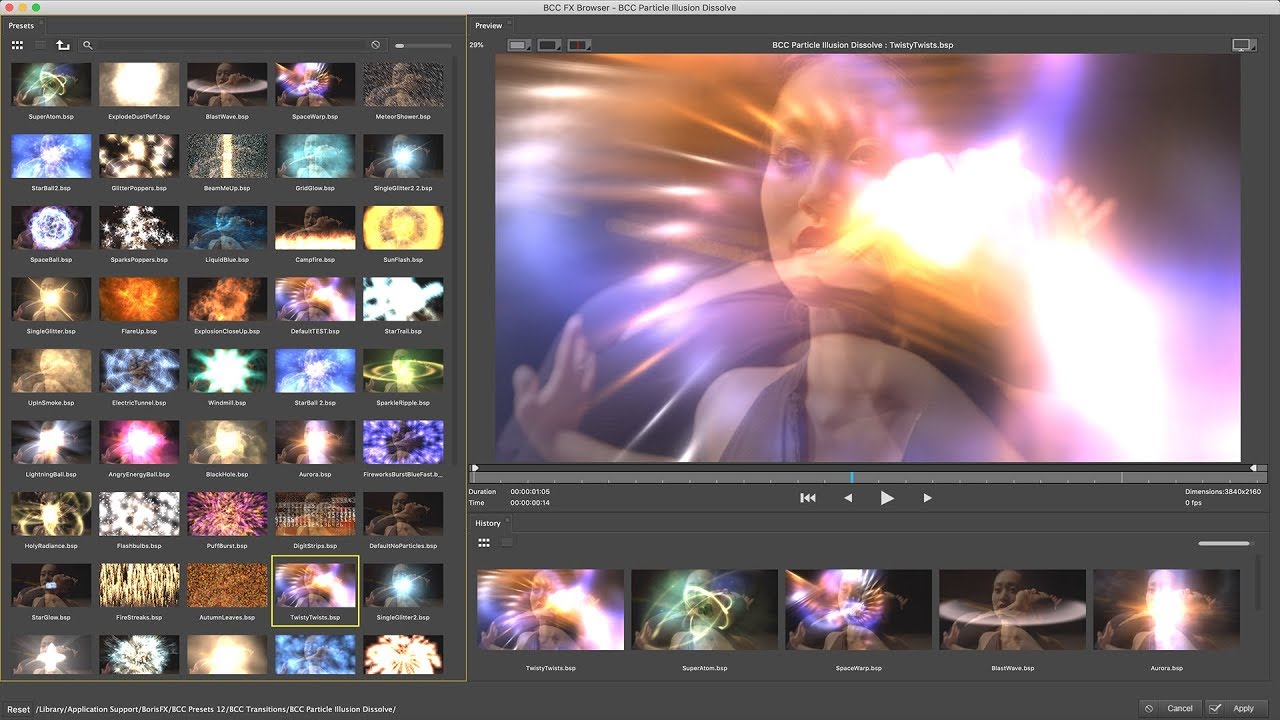
BCC filters and transitions feature an integrated
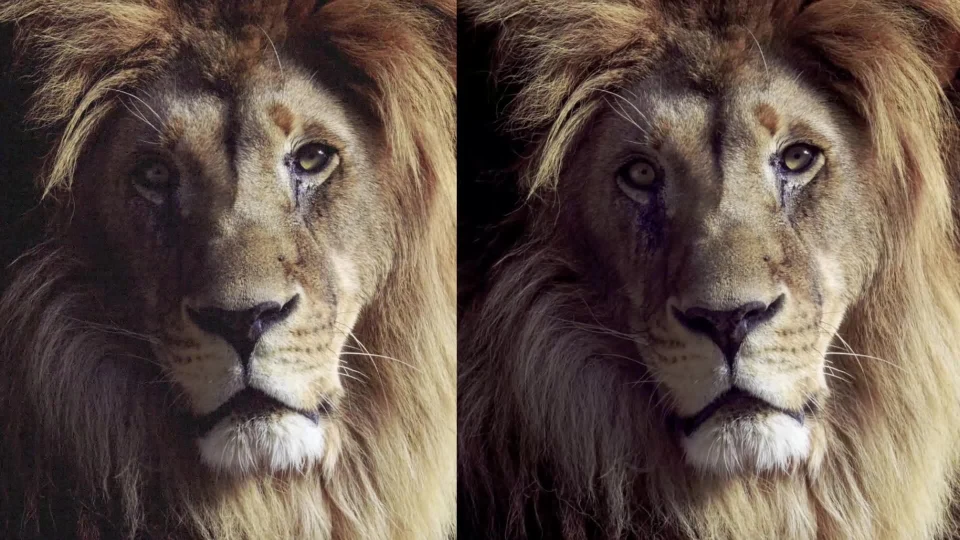
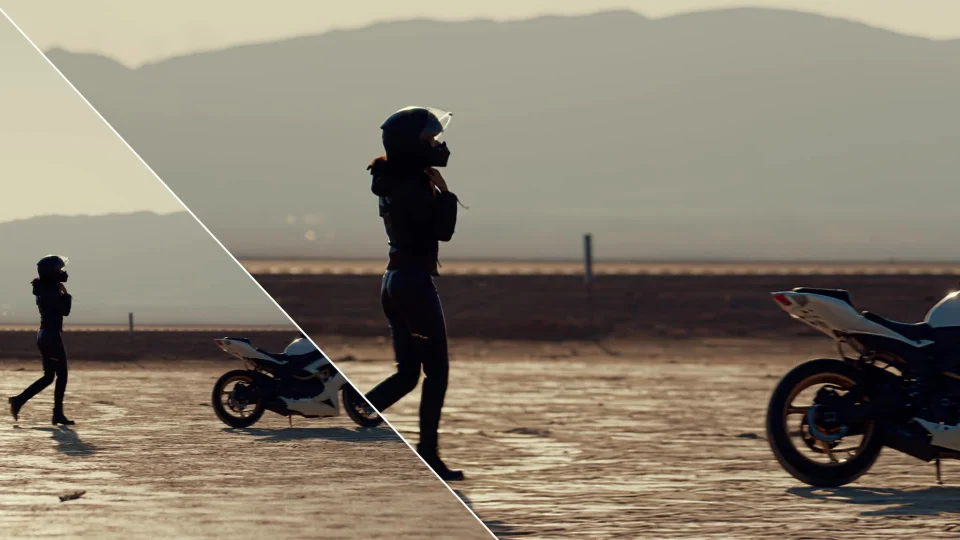
FX Browser, for selecting factory installed or user generated custom presets. In the FX Browser there is a full video playback of the filtered source media and several compare options to view the before/after effect state.
BCC+ filters and transitions feature in integrated
FX Editor, for selecting and editing factory installed or user generated custom presets. In the FX Editor there is a full video playback of the filtered source media and several compare options to view the before/after effect state. The FX Editor also includes
OCIO options for previewing the filtered result.
Many filters and transitions in Continuum include on-screen
control widgets that enable the user to adjust certain parameters without having to use the effects control panel.
Most BCC filters include a
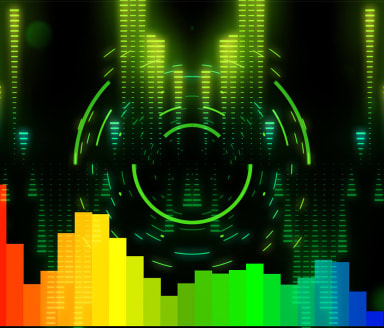
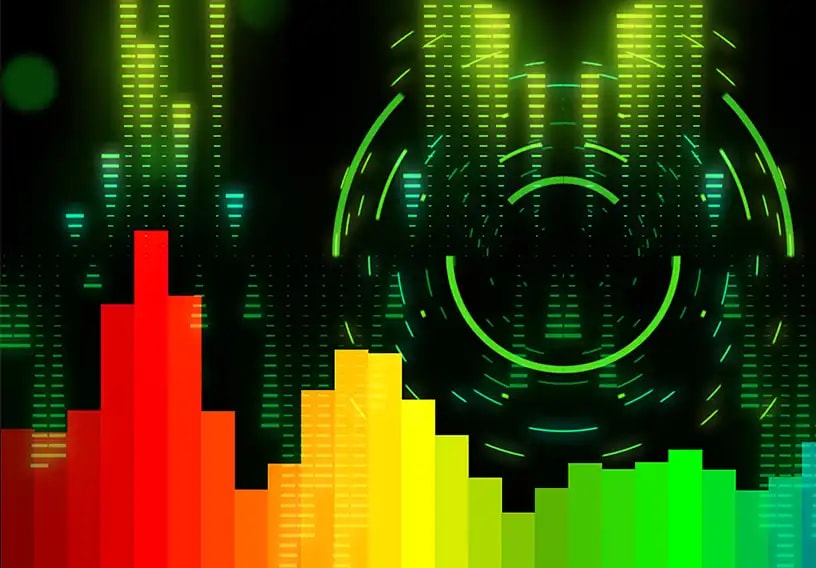
Beat Reactor option, which can be used to automatically drive effect animation in sync with an audio file.
Most BCC filters include the Academy Award winning
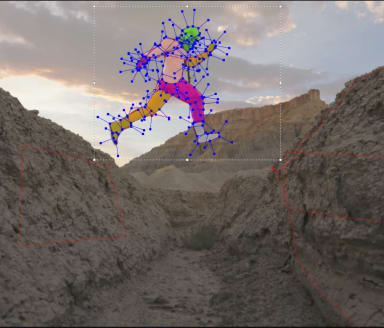
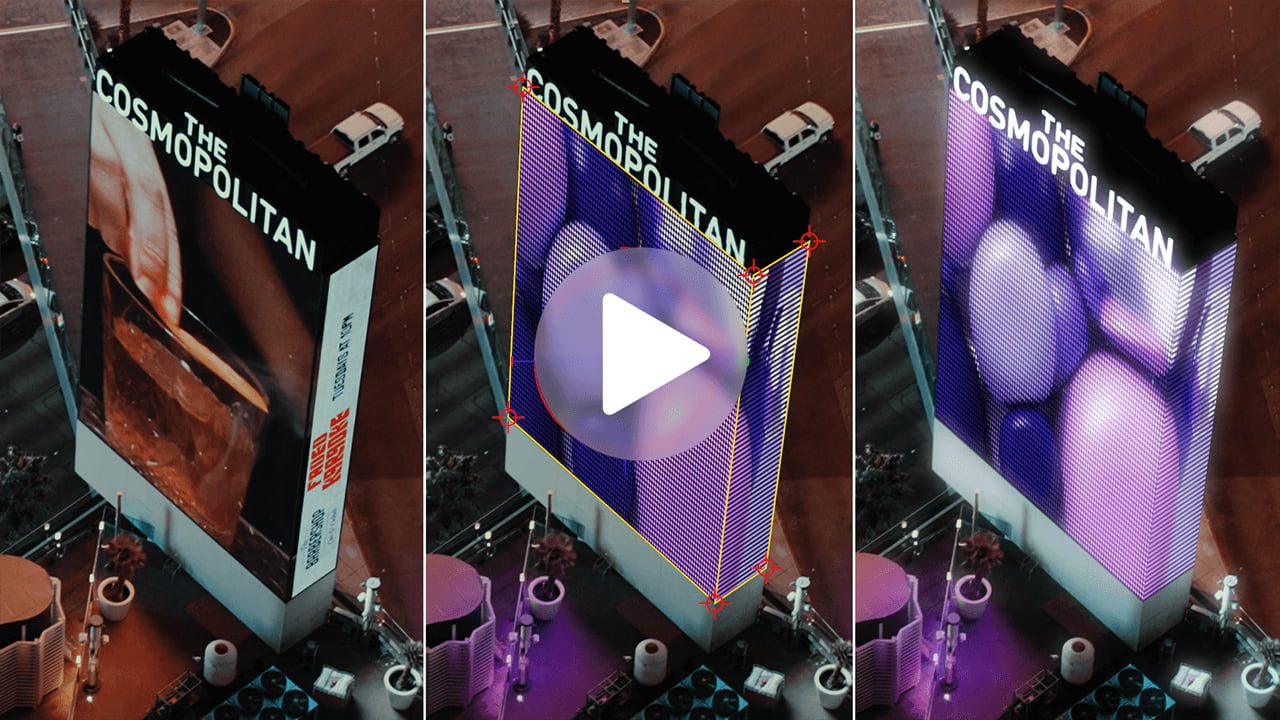
Mocha masking and tracking system. This system is deployed as a way to generate tracked mask shapes for use as a holdout matte or as a way to motion track position point parameters in filters where this makes sense, such as a lens flare or volumetric rays source. The Mocha tracking system is also used in the BC Corner Pin effect.
All BCC and BCC+ filters include the
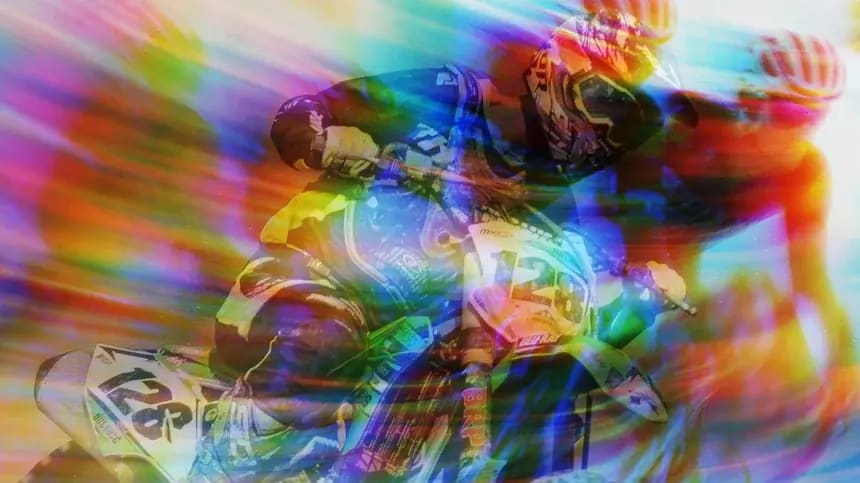
PixelChooser integrated matte and masking system which can be used to isolate the effect result to a user defined portion of the filtered source. In addition to being able to generate its own mask shapes with either the basic geometrics rectangle and ovals, or via the Mocha masking and tracking system, the PixelChooser can also take advantage of host mask shapes in the After Effects host environment.
Some BCC filters, Title Studio for instance, include an integrated
3D camera and lights system and can also make use of the After Effects host camera and lighting systems when running the effects in that host environment.
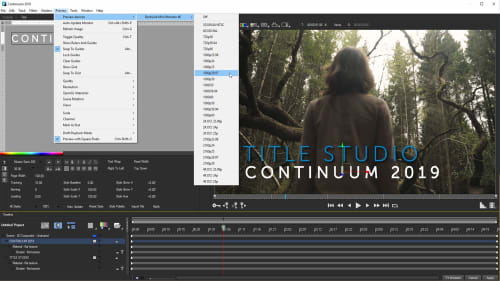
The included BCC Title Studio is a full featured
2D/3D titling application with hundreds of factory installed user modifiable templates, its own custom user interface and provides the user with features such as :
- Resolution independent vector text
- Unlimited text tracks
- Automated credit rolls, crawls, fades and zooms
- RTF text file import and extrusion
- Flat text with or without lighting
- Extruded text
- Media track import from host
- Spline objects and primitives
- EPS import and extrusion
- 3D model import
- 3D cameras and lights
- Gradient generators
- Image processing filters such as blurs, cast shadows, glows, volumetric light rays, light sweep, scanlines, textures, ripples and wipes
- Image deformers, such as bend-taper-twist, curl, mesh shatter, pulse, ripple
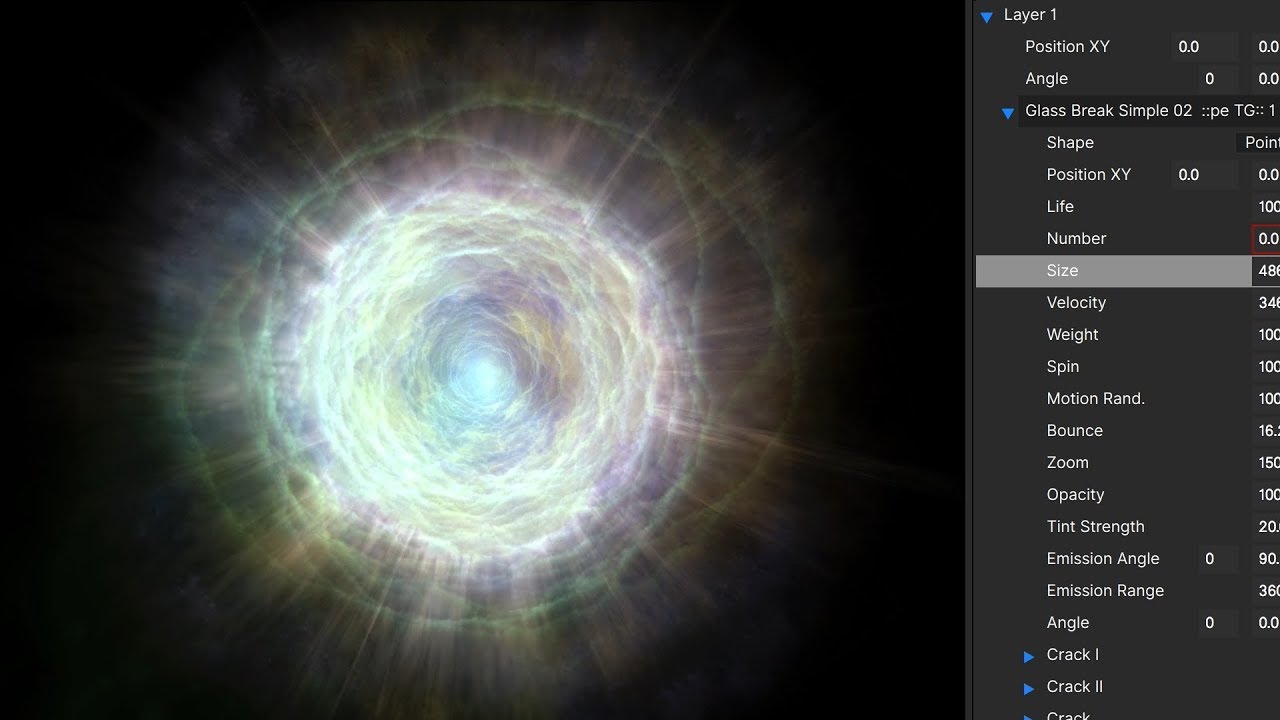
The included BCC Particle Illusion effect is a hardware accelerated 3D particle generator with thousands of factory installed emitters and its own custom user interface and includes a separate application that can be launched independently of the host for offline setup. Both the integrated effect and the standalone application include an option to render the particles to the desktop for compositing in any application. Highlights of Particle Illusion include:
- Thousands of professionally designed emitter systems
- Support for Cinema 4D and OBJ model import
- Particle emission from 3D models
- Free standalone version included with export capabilities
- Integrated Mocha tracking
- Integrated Glow option
- Independent World/Emitter transforms
- Integrated PixelChooser mask/matte option
- Integrated Beat Reactor option
- Emit particles from text in the After Effects host
- Emit particles from masks in the After Effects host
- 15 Blending modes
- Integrated motion blur
- Host -side controls for brightness, contrast, gamma and tint and more























"><path d="M4.51406 17.5098L2.71311 15.7398L12.7862 5.83977L22.8594 15.7398L21.0584 17.5098L12.7862 9.37977L4.51406 17.5098Z" fill="%23000000"/></g><defs><clipPath id="clip0_3722_33245"><rect width="24" height="24.4197" fill="white" transform="matrix(-4.44758e-08 -1 -1 4.29601e-08 25 24)"/></clipPath></defs></svg>)
























 For Avid Editors

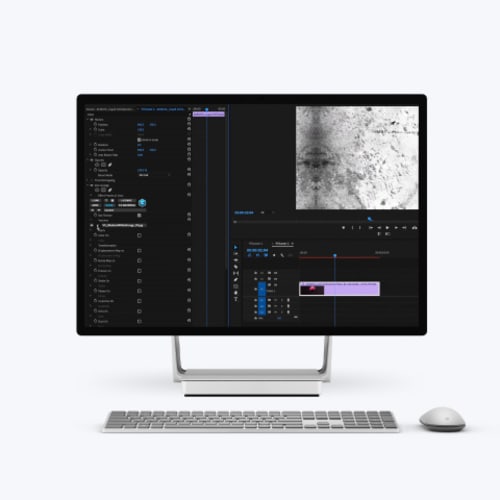
 For Premiere Pro Editors