Bundles
Continuum Units
SAVE $795 with this bundle!
Newsletter sign up
Enter your email address below to receive tutorials and free goodies!
Learn Boris products fast
Webinar Replays
Boris Events
Live Webinar: Professional VFX and Titles in Sony Vegas Pro
Thursday, February 16, 2012 @ 1:00 PM U.S. Eastern Time
Webinar Replay: Professional Titles and VFX in EDIUS
Thursday, January 26, 2012 @ 1:00 PM U.S. Eastern Time
Webinar Replay: Killer Transitions in Adobe Premiere Pro
Thursday, December 15, 2011 @ 1:00 PM U.S. Eastern Time
Webinar Replay: Professional VFX in Avid Media Composer 6
Thursday, November 17, 2011 @ 1:00 PM U.S. Eastern Time
Boris TV Channels

Two movies in one. First, Velocity Remapping, then Temporal Blur.
Velocity Remap offers a number of advantages over other approaches to manipulating time in video clips. Instead of limiting users to setting the duration of an effect and adjusting accordingly, Velocity Remap offers true animations of the frame rate. Velocity Curve graphs offer a precise visual representation of how clips have been altered. The Frame Blending Mode offers a number of options for how temporal blurs are applied or composited over the original source.
In addition to being easier to set up and animate, while also offering more control, RED's Velocity Remap renders faster than other remapping filters, even with Frame Blending turned on.
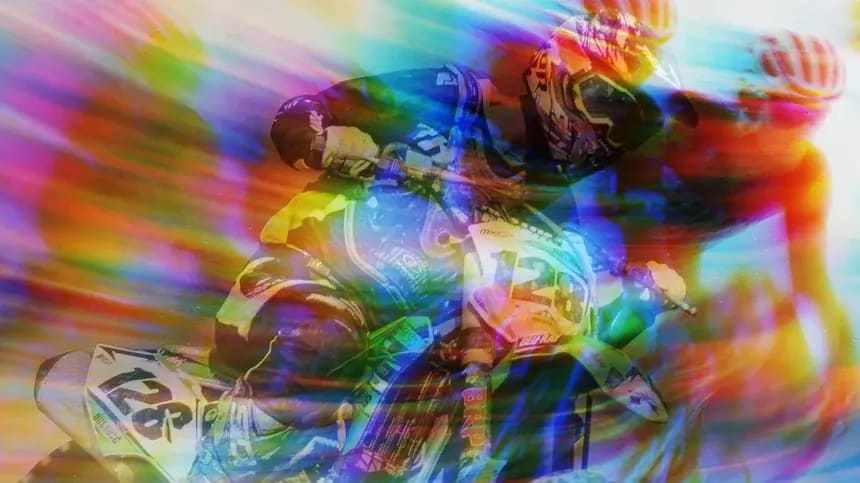
Temporal Blur produces each output frame by averaging two or more source frames over time. Frames can be chosen from forward or back in time, and the blur threshold can be animated. The blur can be weighted with preference to any channel, or toward dark or light pixels in the source frame, and composited with animated apply modes over the original footage.
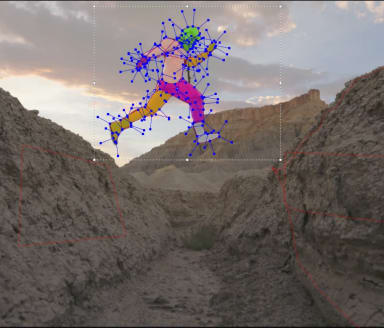
Motion Tracker analyzes a specified region of motion to create tracking data that you can apply to adjust a track's position point, anchor point, or lights position. For example, track a moving object and then use the tracker data to have a spotlight follow the moving object.
Motion Stabilizer analyzes a specified region of motion in a track and then adjusts the track's position point. When played back, the motion appears smooth because the track moves incrementally to offset the unwanted motion. Individual segments of a track can also be isolated, to correct camera bumps.
RED represents the first time that this kind of control over time and motion has been available inside any but the most expensive editing systems.
Enter your email address below to receive tutorials and free goodies!