With the release of RED 4, BORIS has added a list of new features to the already powerful integrated 3D compositing, titling, and effects application. Have a look at the list below and please click on the images to view them at a larger size.
16 bit deep-color provides users with the ability to generate smoother gradients and more precise color correction via an expanded color palette, which expands the available color gamut from 16 million (8 bit color) to trillions of colors.) the result Is that gradients are far less prone to mach banding or color stepping.
The user interface of RED 4 has been significantly improved in terms of looks and ease of use. For instance:
The redesigned composite window includes a mini timeline providing users with the ability to add and modify keyframes without having to go to the timeline.
Other new features in the composite window include a show / hide timeline toggle switch, a color depth toggle switch, additional play controls, timeline marker creation and navigation controls and a button that enables you to add the current comp to render queue.
The timeline window in RED 4 features the ability to concurrently display an unlimited number of comps from the same project, with each composite occupying a separate tab. The action of selecting any tab in the timeline by clicking on it brings the selected comp into view and ready for preview or additional modification.
The new addition of an Options Palette makes working with particular functions, such as grids and guides, or vector splines an easier task. For instance, to change the particulars of the grids and guide feature in previous versions of the product, the user was forced to go to the preferences window, make the change and then exit the preferences. The new Options Palette can be left open at all times and changes made in the Options Palette are instantaneous.
The options palette is available for the following functions:
| Vector Trace | Splines |
![]() |
![]() |
| Grids and Guides | Keyframe Interpolation |
![]() |
![]() |
| Keyframe Generator | Timecode |
![]() |
![]() |
Improvements to the project window include a media tab, which displays a thumbnail and list view of all imported media associated with the open project. Information such as the media name, type, size and length are displayed in this window. Clicking on any of the name, length, type or size buttons will cause the media to be sorted according to the selected criteria.
The shortcut buttons located in the timeline, which in previous versions of the product were locked into a factory preset position now can be repositioned to accommodate your workflow by dragging them to the position that suits you best. the buttons themselves have been redesigned with larger icons which light up when the cursor is passed over them to make selection easier.
A welcome new addition to the paint system in RED 4 is the clone paint brush. users can now clone areas from one part of the image source to another area within the same image, or even from a separate image input taken from another track in the timeline.
The revised paint engine included with RED 4 also features full support for Wacom tablet pressure channels, which means that you can use the data recorded by the Wacom tablet device to control various aspects of the paint stroke, such as opacity, size and color. Because the paint system is completely non-destructive, you always retain the ability to edit any stroke even after the project has been saved.
Clone Paintbrush using Foreground Image
Clonebrush using Alternate Image Source
The addition of support for pressure sensitive Wacom tablets, users can now work with these pressure sensitive Wacom tablet devices and use the Wacom data to drive raster paint strokes a variety of different ways. The data gathered from the tablet includes the following: pressure, velocity, direction, tilt, bearing, jitter, white noise, length and reverse length. Any one of these can be used to drive the color, opacity, and size of the brush along the length of the stroke.
Another cool feature in RED 4's new paint system is the ability to paint with image media as the paint source - any image or clip residing on your system can be used as a paint brush stamp. Most of the standard media file formats are supported including native photoshop files, both flattened and layered and movie media.
When using layered photoshop files as the brush source, each individual layer can be automatically sequenced over the course of the paint stroke, either in the order that they exist in the photoshop file or in a random order. When using a movie clip as the brush stamp, the movie will update as the user moves through the timeline.
In addition to the conventional oil paint brush that is offered in RED 4, there is also a spray airbrush option, which can be used to spray specs of paint onto the canvas. options for this brush type include pixel, dot (3x3 pixel array) or blot (5x5 pixel array) and a flow modulator function that controls the speed of the paint as it flows out of the airbrush nozzle.
Another interesting paint brush style is the roller brush, which applies paint in the style of a flat roller brush using a still image, media track or a movie clip as the brush source. The resulting stroke can be angled in 3D space, which can be used to produce a wavy ribbon-like effect.
| Pixel Spray Paintbrush | Dot Spray Paintbrush |
![]() |
|
All raster paint strokes created with any of the brushes in RED 4 can be converted to a vector spline shape with the touch of a button. The bezier spline that results from this conversion can be animated as you would any other vector spline shape within RED.
The subtitle import feature enables users to import EBU subtitle files and modify the imported text slates to suit their requirements right within the RED timeline. As added bonus to FCP users, the modified subtitle file can then be exported as FCP XML data.
The Vector Trace tool enables the conversion from a raster bitmap Image such as a tiff, jpeg or a frame from a movie file to a scalable vector graphic with the ability to extrude any of the resulting vector shapes. Images are converted into vector by simply selecting the Vector Trace tool and then dragging the tool over the Image which Is to be converted. Options for this function include the ability to select the color or alpha channel with which to base the conversion.
Animating shapes along a custom spline path in RED 4 was made even easier than before with the addition of the new motion path filter, which automatically positions nested items along the length of the user drawn spline path.
Nest the objects that you want to animate along with the motion path filter into a container, draw a spline path and RED will automatically distribute the nested objects evenly along the drawn path.
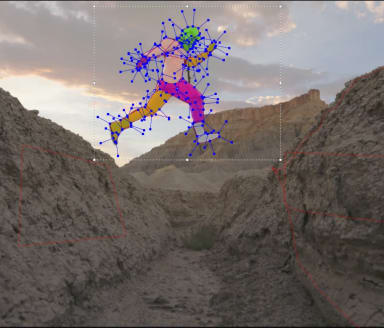
The new optical flow based motion key filter, which is included with RED 4, enables users to remove foreground objects from a scene with little effort required by the user. Objects that pass through a scene can be isolated and removed completely as if they were never there to begin with, using only a few rough keyframes which are required to show the filter where the object to remove from the scene is located.
Another optical flow based filter is the optical stabilizer, which can be used to remove unwanted camera shake from an image with no user input other than applying the filter to the clip and selecting stabilize from a pop-up menu. Image stabilization couldn't be made easier than this.
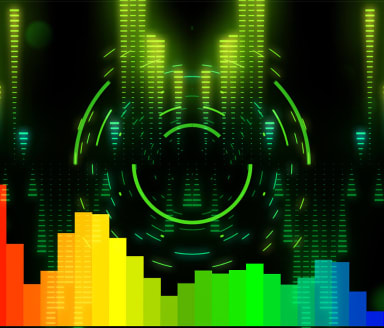
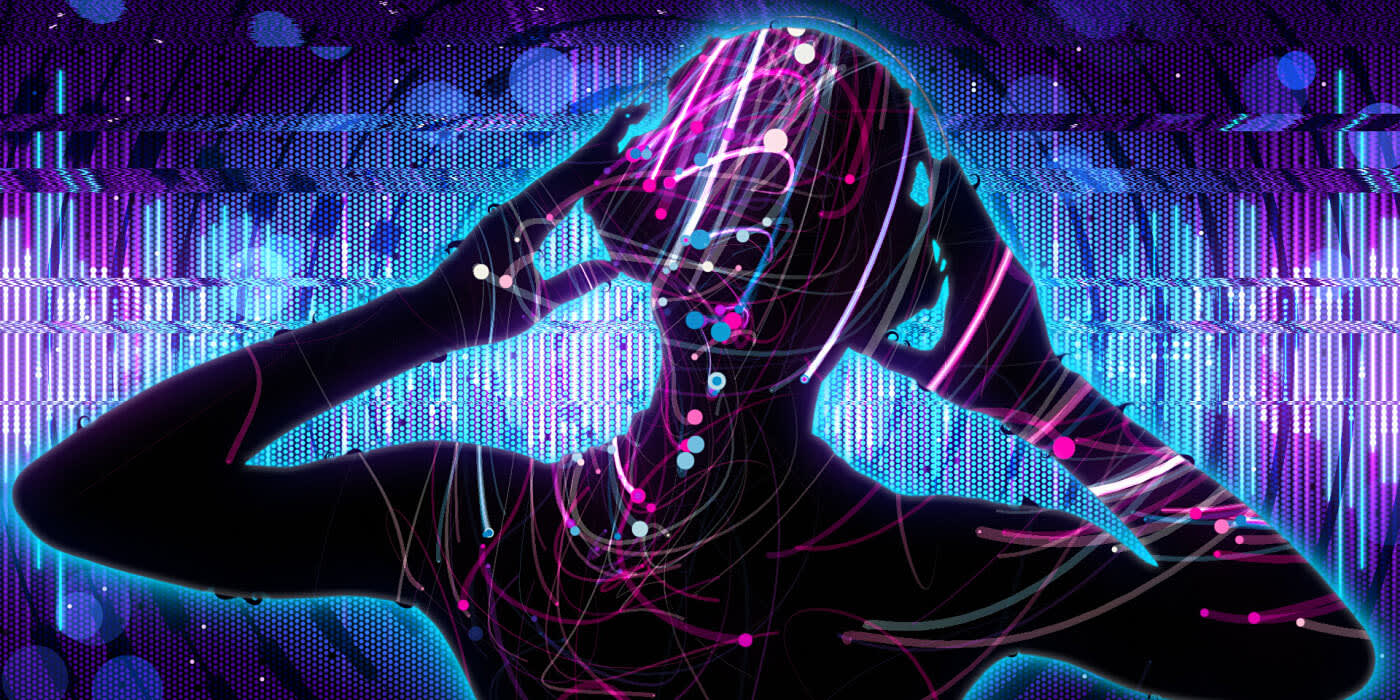
Boris RED 4 Includes some brand new filters from the Boris Continuum Complete 4 release. These powerful new filters are a significant addition to the product and ease the work of such common tasks as foreground object removal or Image stabilization.
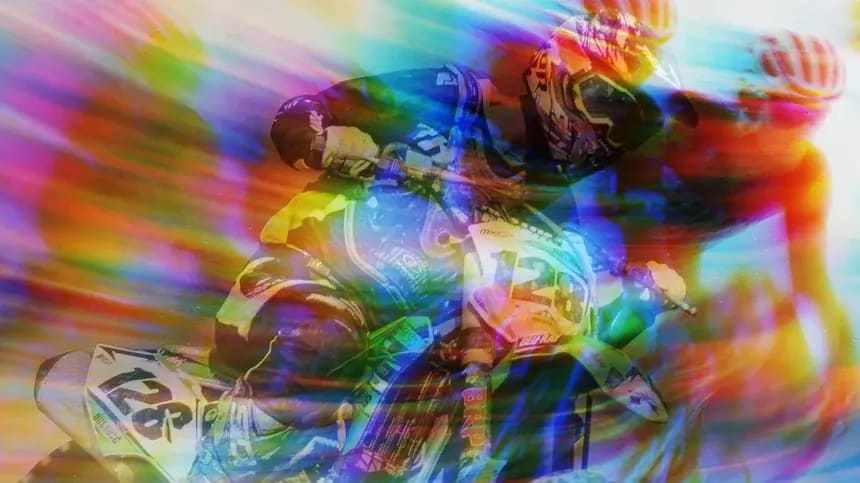
Ensures accurate color and luma match from clip to clip and can also be used as a stylistic effect.
Simulates offset printing, where images are printed via an array of varying dots which carry ink onto paper.
The BCC Median filter is used to simulate paint styles used in the Fauvism art movement.
Built-in 4 point tracking and compositing features makes It possible to pin one Image onto another.
The BCC Turbulence filter is used to distort an image based on a built-in noise map function.
The BCC Noise Map 2 filter generates more interesting noise than the original noise map.
BCC Color Choker
The BCC Color Choker filter is used to blur and overdrive color channels.