Boris Red In Depth
special effects filters, titling and transitions

New Features In Depth

Boris Red 3GL is the first integrated 3D compositing, titling, and effects application to implement OpenGL for delivering unparalleled performance at an affordable price to over twenty nonlinear editing applications. With over forty dynamic new filters, enhanced tools, and innovative technologies, Red 3GL offers an expanded compositing and effects environment to maximize your creative potential.

OpenGL Hardware Acceleration Expanded 3D Effects Environment
2D and 3D Animated Charts Animated Gradients
Advanced Title Animation Text Generation and More
Editing of Titles on the Video Image Over 40 New Filters
Optical Flow Technology Instant Effects
Enhanced Workflow Faster Renders
Hardware and Software Integration


OpenGL Hardware Acceleration

OpenGL is a cross-platform standard for 3D hardware acceleration. It’s powerful and flexible as well as fast, but has often in the past only been available in specialized, isolated applications. Boris Red 3GL is the first time that OpenGL has ever been offered inside nearly two dozen nonlinear editing systems.
OpenGL plays to Red’s strengths as the only desktop compositing environment that offers extensive 3D creation and animation tools. No other compositor offers more graphic and effects capabilities, which is why nobody else offers more ways to take advantage of OpenGL than Red.

Red uses OpenGL to draw objects onscreen more quickly than previous display technologies. In many cases, animations are displayed even faster than real-time. That’s because the images are displayed using software embedded in display hardware optimized especially for this task.

Users with modern OpenGL cards and more than 32 MB of available texture memory should expect to see many animations, including multiple 3D objects with texture maps, pan and zoom of oversize images, and vector and 3D title animation, all play back instantly. No delays adjusting sliders in the Controls window, no delays when scrubbing in the Timeline window, and no delays when interacting with objects in the Composite window.
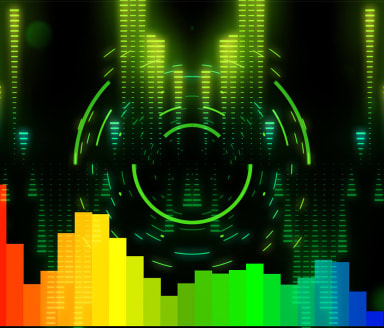
In order to support the widest possible variety of display cards, Red offers varying levels of OpenGL acceleration. Red performs a fast background check of OpenGL status on installation and automatically provides the ideal level of OpenGL support based on your specific configuration. These settings may easily be adjusted in the Preview menu, via keyboard shortcuts or in the Red Preferences, on the Render tab.

To use OpenGL, simply open Red and begin working. While working in Draft Quality, everything is displayed to your monitor using OpenGL. This is especially useful when building 3D animations, or even animating 2D objects such as video layers or still images. For example, you can animate the position and scale of a large image and simply press the spacebar to see real-time playback of your pan and zoom animation.

OpenGL offers far more than just accelerated DVEs. Upstream filters with static parameters, such as chroma keys whose values don’t animate, are also included as part of these fast OpenGL animations. In fact, an unlimited number of static upstream filters can be stacked without affecting OpenGL performance! Extruded objects including 3D text display materials, lights and shadows, which along with 3D cameras may animate in faster-than-real-time. (Some high-level 3D features such as reflection maps, bump maps and cast shadows do not display when working in Draft Quality. Switch to High Quality to view these.)

Although OpenGL is intended as a preview tool allowing complex animations to be composed more quickly than ever before, it also offers valuable assistance when working at the highest resolutions and quality. Red combines high quality display with OpenGL accelerated previews when moving onscreen objects, adjusting value parameters, and other areas that would previously have required laborious onscreen renders.

[ back to top ]


Expanded 3D Video Effects Environment

Speed is just the beginning of the advantages that OpenGL provides inside Boris Red. OpenGL also dramatically expands the kinds of effects that can be created in Red, beginning with the introduction of 3D primitive shapes.
Red has long been known for the wide range of 3D DVE elements, including spheres, cylinders, page turns, and cubes. When placed in a 3D Model container (made easier than ever by a new shortcut button on the Timeline window), these become 3D shapes in every sense of the word. They have true depth, which can easily be seen by taking advantage of new onscreen controls for manipulating objects in 3D space. Because Red’s compositing environment is in fact truly 3D space, all of these objects can intersect and interact in exactly the way they should, including 3D cast shadows.

Even video layers are 3D objects in Boris Red – it’s no accident that those media layers are labeled as 3D Planes. Video layers in Boris have always been capable of animation in three-dimensional space years before any other effects software. Video layers in Red could also intersect and interacte with other layers long before other effects environments. But in Red 3GL, video layers take on the entire range of attributes that were previously reserved for extruded objects, such as textures and reflection maps, as well as 3D attributes introduced in this latest release.

In addition to the textures and materials for 3D extrusions found in earlier versions, Boris Red 3GL also offers bump maps with a variety of presets (including rock and steel plate), all customizable and animatable. Bump maps may also be derived from any still or animated image, including video. The “height” of the bumps may be controlled and animated so that surfaces push up or down. The bump map’s original color can even be passed through to combine with the material attributes. As Boris Red’s 3D environment continues to evolve and expand, 3D cameras now include control over depth of field.

Boris Red has always combined the widest range of 3D creation and animation options in an integrated effects environment, and now goes further than ever before in making high-level 3D features available to video editors, without asking them to leave their favorite NLE.

[ back to top ]


2D and 3D Animated Charts

2d and 3d animated video pluginsVideo editors are used to editing, and may be less familiar with the world of graphic creation. Even expert graphic artists, however, have had few options for to quickly create high-quality animated charts. Rather than trying to squeeze broadcast-quality results out of multimedia business applications, you can now tap into Boris Red’s powerful vector graphics to instantly create pie, bar, line and area charts use data generated from spreadsheets or input data directly using a simple Chart Editor.

It couldn’t be simpler. Create a chart by clicking the shortcut button in the Timeline window or selecting New Chart Container from the Track menu. The default chart includes some generic data to provide a starting point for customizing, beginning with the kind of chart you’d like to use. Four types of charts are available – bar, pie, line and area – and offer a wide range of options. For example, bars may be oriented horizontally or vertically, stacked and inverted.

Double-click the chart track in the timeline to open the Chart Editor, where you can either enter your data manually (the top row and left column are reserved for labels that you can choose to display) or import data that has been exported from spreadsheet applications such as Microsoft Excel as tab-delimited or comma delimited text files.

Charts in Boris Red are built as containers of nested tracks on the timeline, but you won’t need to adjust the parameters on a bunch of individual elements by hand. Simply make adjustments in the Controls window, and let Boris build the keyframes for you.

Start with chart creation. Set the color of elements, use supplied colors or use randomized values. You can even fill your chart elements with natural media such as wood grain, marble, and reptilian skin. Add grids, labels, legends, with control over colors, styles and more. You can set the starting range for values, use logarithmic scales, include currency and scientific symbols, and much more. One more click is all it takes to extrude the charts.

Compelling custom animations are literally only another few clicks away. The Controls window once again supplies power that would be enormously difficult and time consuming to keyframe. Use the Reveal option to have elements “grow” onscreen, or have elements progressively animate position, scale, opacity, tumble/spin/rotation and more with just a few clicks.
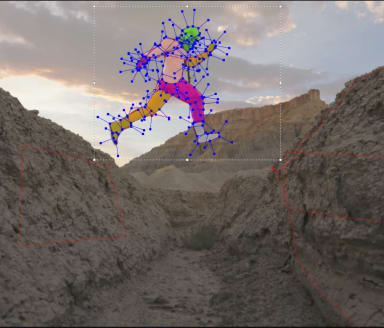
All of these capabilities and many more are built into the over 100 chart presets included with Red 3GL. Feel free to start with any of these settings when building your own.

[ back to top ]


Animated Gradients

animated video gradientsBoth 2D and 3D charts are only the beginning of the new graphics capabilities in Boris Red 3GL. This release features a new gradient style, Revolve, as well as a number of new features for all gradients. Gradient patterns may now be repeated and can also be randomly generated, and the position of the color stops scaled. These new features can all be animated and used as backgrounds, as the surface of 2D and text, as bump maps, and as the basis for powerful displacement maps and transitions. In fact, any gradient elements may be animated, including colors, the position of color stops and midpoints, and the alpha value of any point in the gradient.

Other new graphic creation and animation features include additions to the Spline Primitive library such as animatable grids and lines, advanced control over vector strokes including Jitter, and improved support for files from Adobe Photoshop and Adobe Illustrator.

[ back to top ]


Advanced Video Title Animation

titling pluginsTitling has always been one of Boris Red’s strongest features. Red 3GL features significantly enhanced 2D and 3D title animation. This release adds control over words and lines. Type On effects were previously intended to annimate text on or off screen. Now parameters can also animate across text that stays continuously visible so that effects appear to “pass through.” In addition to forward and reverse, the progress of these effects may also be randomized.

Now more features can “type on,” including jitter. Advanced options for Jittering text attributes create realistic bounce, jiggle, or vibration motion. Red 3GL in fact adds a full range of controls over jittering scale, position, hue, angle and more.

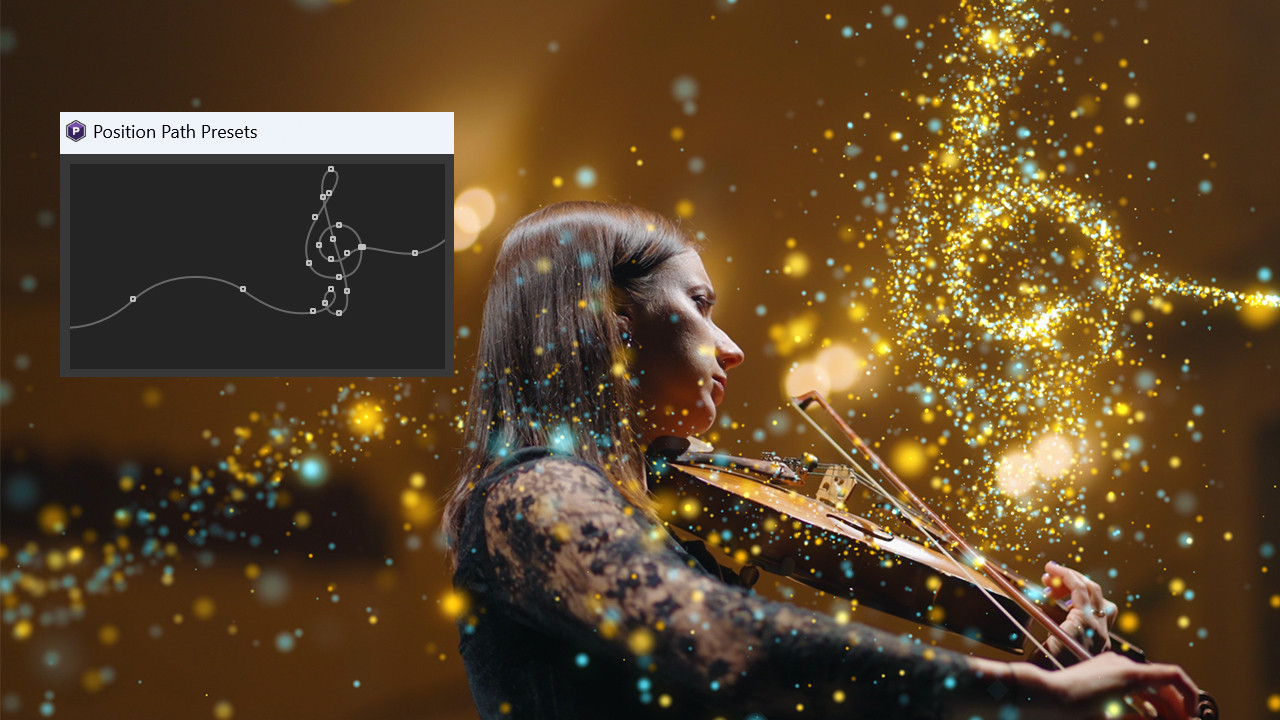
Boris was the first to offer animated text on a path inside any NLE. Red 3GL offers a number of improvements to that already powerful feature. You can now control the justification of text along the path and animate the offset and distance of the text relative to the path.

[ back to top ]


Video Text Generation and More

3rd party titlingNew controls have also been added for the generation and animation of values such as timecode (including drop-frame timecode), date, time, and random characters, as well as motion blur across any of these animations.

The first option on the Generator tab allows you to begin with your own text, and apply a number of variations. Letters may be offset by an animated value and either scrambled or revealed in a user-defined or randomly. Text with multiple styles can shift styles progressively (again, in a user-defined order) or shuffle styles. These animation patterns can loop and repeat. All of these transformations may be applied to the individual letter to words or to each line.

As its name suggest, the Generator tab also includes a number of provisions for generating text with a number of options, including letters only, upper or lower case number (as well as mixed case), numbers only. All non-alphabetic characters and many more.

The Numbers and Random Numbers generators include controls for decimal places, precision, leading zeros, and more. The Date/Time and Timecode generators offer controls not found in similar products, including the ability to display drop-frame timecode.

While other applications offer some of the features found in parts of the Generator tab and elsewhere in the new title animation controls, only Boris Red offers them all.

[ back to top ]


Direct placement and Editing of Titles on the Video Image

video effects softwareJust click on the Composite window with the new Text tool and start typing. That’s all there is to it. The Text window is still available when you need it, but that may not be very often. Many of the functions previously available only inside the Text window have now also been located in the Controls window.

Styles may now be applied directly from the Style Palette to the text onscreen. As always, Boris titles can contain an unlimited number of styles within a single text element. Once created, text elements can be accurately positioned using a baseline snap-to-grid function, with sensitivity set in the Preferences. Snap position is now set according to text block justification – left justified text snaps along the left side, and so on.

[ back to top ]


Over 40 New Video Effects Filters – Now Over 110 in All!

As NLEs have evolved to meet the needs of their users for more sophisticated effects, the number and quality of their filters has increased dramatically. Yet there’s no question that you need more. Boris filters have long been known for combining ease of use power, and exceptionally high-quality rendering to meet the most rigorous standards of film and broadcast clients. They also represent a far wider range of capabilities than is found in any other NLE or any other effects application.
Boris Red has further extended the range of effects possible inside an NLE by supporting compatible third-party After Effects filters. Boris was the first to do this for any NLE, and is still the only way for most NLE users to use filters from dozens of effects developers inside their NLEs.

Among the plug-in filters that Boris Red 3GL supports, are those developed as part of Boris Continuum Complete. Many of the Continuum filters evolved out of technologies developed for Boris Red, and Continuum now returns the favor by adding new filters to Red. These include such favorites as Colorize, Cartooner, Emboss, Film Damage, Film Grain, Glow, Jitter, Light Zoom, Multi Shadow, Posterize Time, and Time Displacement.

A number of new filters will premier in Boris Red 3GL for the first time, including Dust and Scratches, DeNoise, Fast Blur, Glow Edges, Match Grain, DeGrain, Light Wrap, Motion Blur, Radial Blur, Spiral Blur, and Wire Remover.

These new filters bring the total number of filters in Boris Red 3GL to over 110, and even that barely begins to tell the story. Most filters include the patented PixelChooser for dynamic masking and matte creation, as well as customizable presets to reduce learning curves and increase productivity. This alone puts the capabilities of all Boris filters in a class of their own, dramatically increasing the kinds of effects that can be created and the ways in which these filters may be used. Red also directly provides a number of features that can only be achieved with filters in other applications and hundreds of presets to use these filters alone and in combination with other filters for dynamic effects and transitions.

As always, many of the filters found in Red are not available anywhere else. The release of Red 3GL firmly secures Red’s position as the ultimate in effects power for nonlinear editors.

Here’s a closer look at the filters that are introduced in Boris Red 3GL.

BCC Dust and Scratches allows you to remove unwanted dust and scratches from an image.

BCC DeNoise removes unwanted pixel noise from an image. This is especially useful when working with archival materials.

BCC Fast Blur emulates the look of shooting in soft focus or with lens diffusion. It also allows you to blur the horizontal and vertical components of the image separately. The functionality is similar to Red’s existing Blur filter, but uses a refined algorithm that speeds rendering approximately 20 to 40 percent.

BCC Glow Edges is designed for use with masks or images that include an alpha channel. It applies a stroke or glow to the contours of the alpha channel or mask.

BCC Match Grain provides sophisticated analysis of the grain in source footage and applies it to composited footage or graphic elements for a seamless blend. In most cases, the matching is automatic, although the filter includes powerful, easy-to-use tools for customizing the results. This high-end compositing feature has never been available to most NLE editors before.

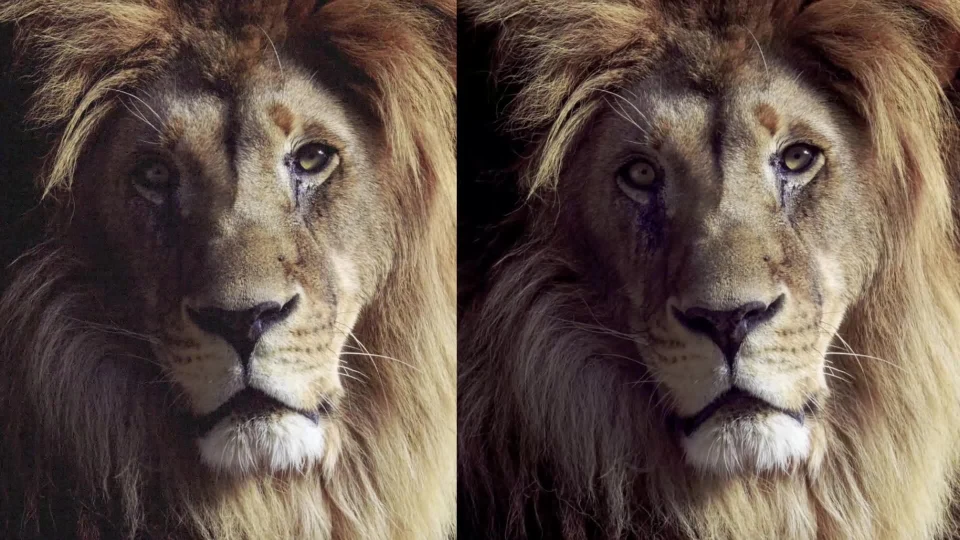
BCC DeGrain is also an exceptionally sophisticated yet easy-to-use filter that carefully analyzes an image and removes grain without degrading image quality or detail.

BCC Light Wrap is designed to reflect a background image over and around the edges of another image in the form of a border or stroke to create a more realistic composite.

BCC Motion Blur creates a realistic blur on the motion in an image, simulating the effect of shooting a moving object on film. The blur is most pronounced when the object moves quickly and more subtle when it moves slowly. Motion blur is not visible if the image is static. You can use an image in the timeline as a source for motion and then apply the motion from the selected image to the filtered track.
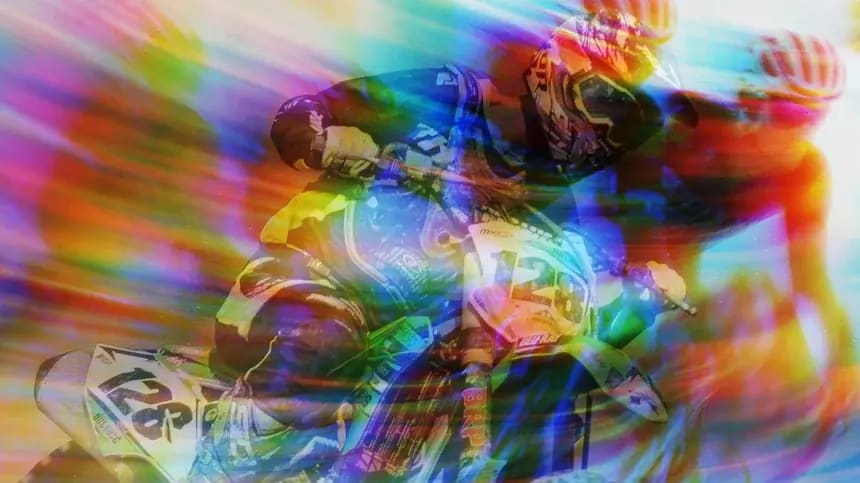
BCC Radial Blur creates a blur around a specific point, simulating the affect of a zooming or rotating camera. For a Spin blur, which applies blurs in circles around the center point,
the Amount value indicates the degree of rotation. For a Zoom blur, which applies blur that radiates out from the center point, the Amount value specifies the degree of radial blurring.

BCC Spiral Blur creates a blur or smear that appears as though it is spiraling toward the center of the image.

BCC Wire Removal Removes wires and rigs from an image, using three different methods: blending pixels from the sides of a defined area, creating a mask from one area to cover another, and cloning one area to cover another. The clone source may be offset in space, from other parts of the frame, or in time, from other frames in the timeline.

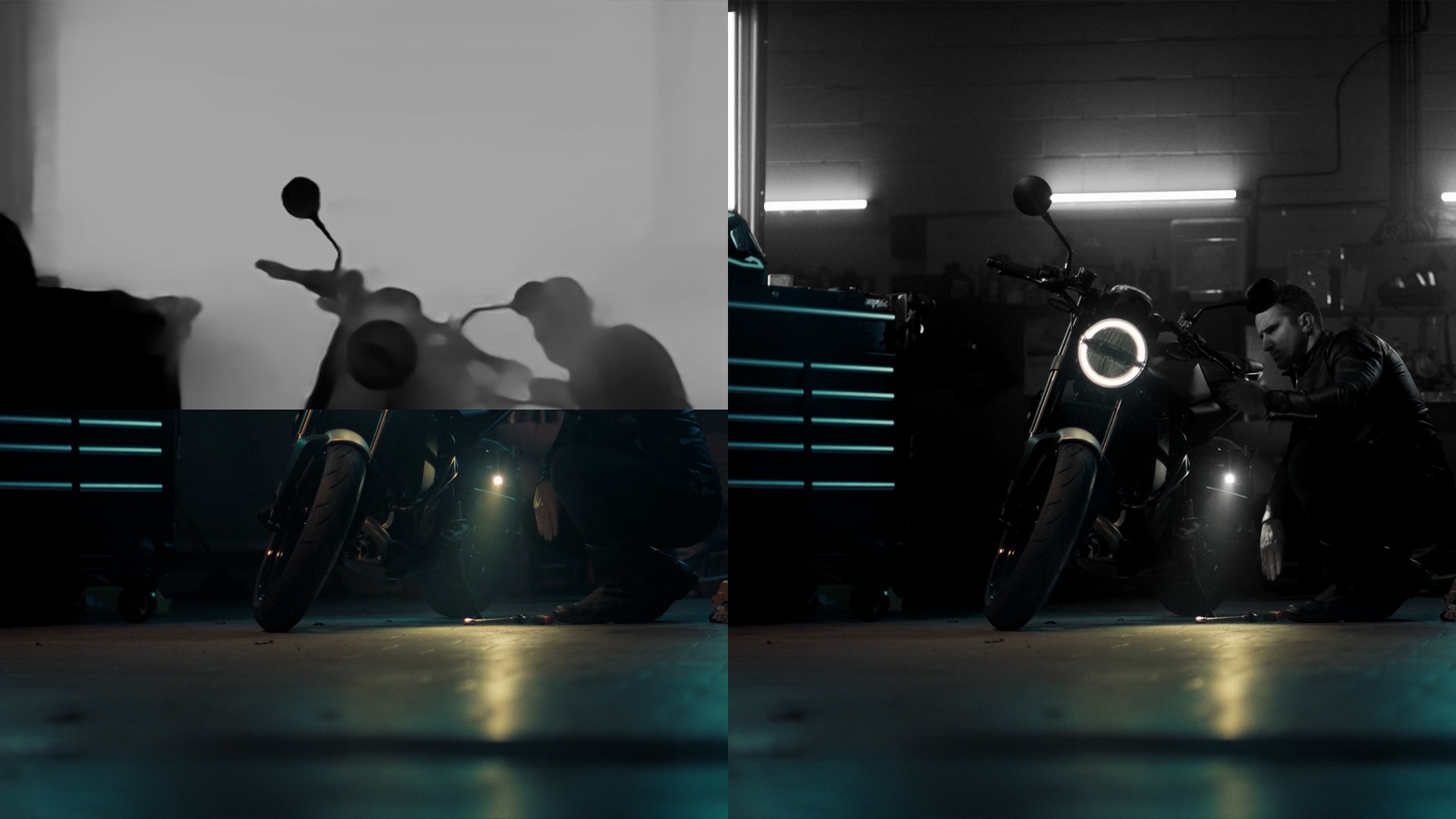
BCC Z-Blur emulates a rack focus effect where the focal plane moves between anear and far plane. This is most noticeable in real life with a long focal lens. The near and far planes in the filter define the area of the image along the Z axis that is blurred. The area between the planes remains sharp. With this filter, you can set a channel from the image clip, and then use that channel to control the racking focus blur.

[ back to top ]


Optical Flow Technology

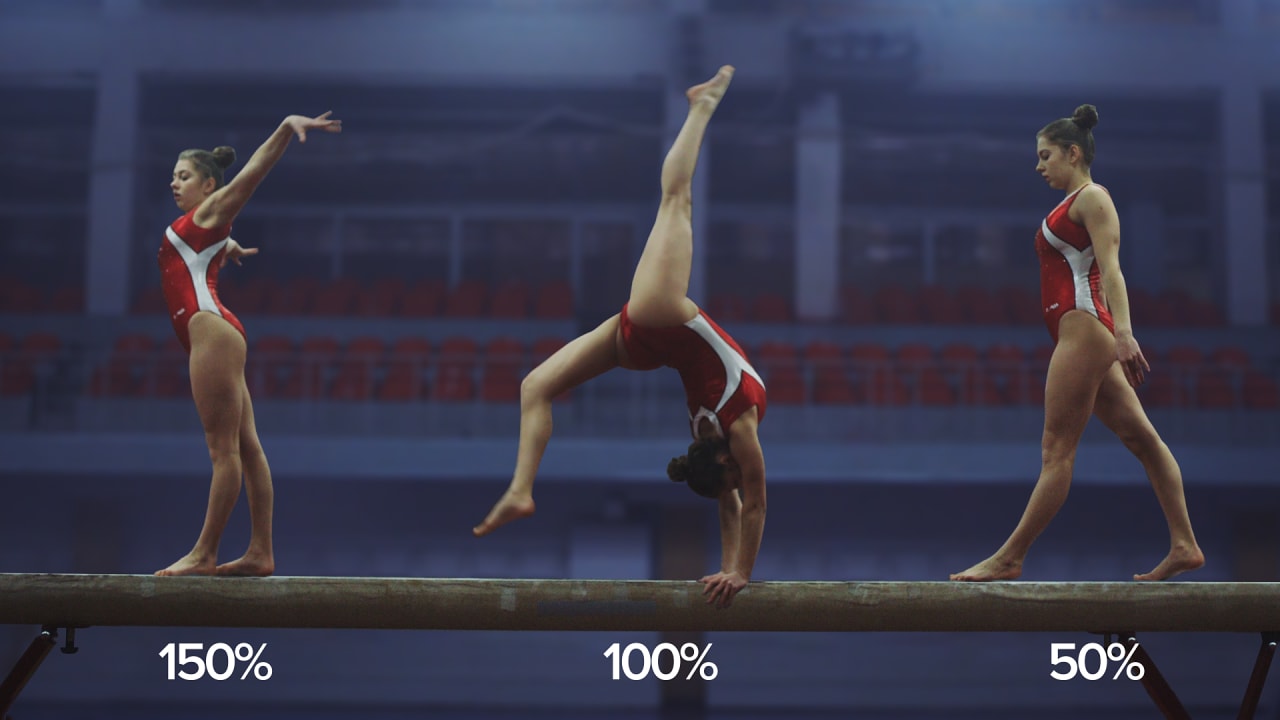
optical flow video effectsAt Optical Flow’s foundation is the ability to analyze multiple frames and use time warps to create additional full resolution frames. The most obvious place this is employed is in the Optical Flow filter, which uses a pixel-by-pixel time warp to create as many in-between frames as necessary for exceptionally smooth slow motion. This is in contrast to most other time filters, which use frame blending to fill the gaps created when slowing footage down. Rather than the stuttering that those methods produce, Optical Flow can create output whose smoothness rivals overcranked film, even when starting with consumer-grade DV footage.
As powerful a tool as Optical Flow is for video, it can be even more useful for graphic animations. Rather than recreate a 2D cell animation or re-render a 3D scene from scratch, Optical Flow can create new in-between frames in a fraction of the time.

Optical Flow is also capable of smoothly recalculating frame rates, but perhaps most important, has tools for analyzing motion within a frame. When a time warp is applied to an entire frame, it creates unwanted morphs between static and moving elements. Using the built-in PixelChooser and other masking tools, the Optical Flow separates areas of interest from the rest of the scene to ensure the desired results.

Boris Red 3GL is the first time that this exceptionally powerful Optical Flow technology has been available inside of most NLEs. It is important to note, however, that not all NLEs provide Red with the necessary information to support this feature using host video from the NLE timeline. Easy workarounds include exporting a reference file from the host timeline and importing that footage into Red, using imported movie files, or using the Optical Flow filter in the standalone Boris Red Engine.

[ back to top ]


Instant Special Effects

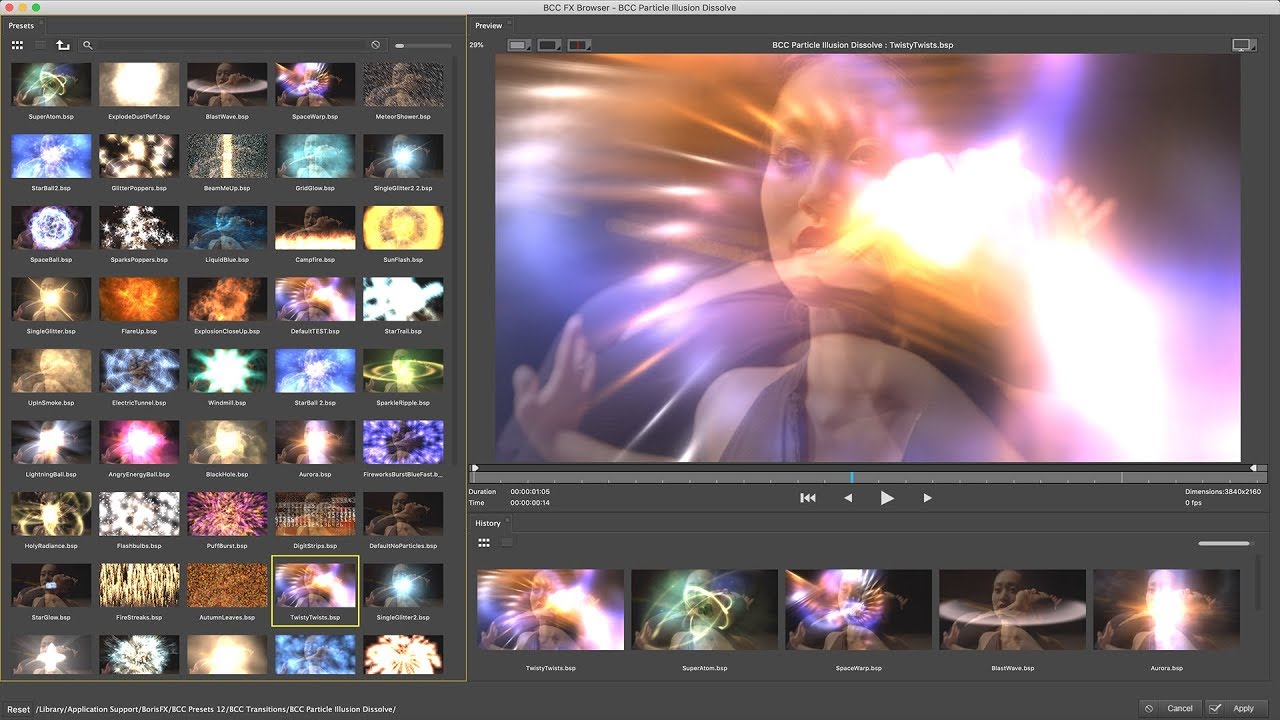
instant video effects filtersEvery effects application has good features. The only question is how long it will take you to learn enough to start using them. Boris Red 3GL reduces the learning curve to virtually zero with the industry’s largest and most diverse collection of customizable preset effects, now over 1,500 in all. New animated previews of every effect in the Library Browser is now quickly accessed from a button on the Boris Red timeline.

Any of the effects included can be customized and combined with other effects. You can add your own presets to the Library at any time. Hundreds of new presets take advantage of every aspect of the new features found in Boris Red 3GL. You can start taking advantage of new features right away without having to learn how each of these new features work.

The filters included in Red 3GL from Boris Continuum Complete add another component with presets available within the filters themselves. Unlike Red settings, which may only be used within Boris Red, the filter presets found in the included Continuum filters may also be used in any application that has Continuum installed, such as Final Cut Pro, Avid NLEs, and After Effects. Hundreds of filter presets are included with the new filters in Red 3GL.

Another aspect of Instant Effects is the ability to easily create random keyframes with the new Generate Keyframes command. When you select master keyframes, this command generates empty keyframes equally spaced between the two extreme keyframes in the selection. When you select parameter keyframes, this command applies a Wiggle value displacement. This helps you to simulate more realistic motion by adding random changes to any parameter over time. The number of keyframes generated and their interpolation is set in the Preferences on the Preview tab. No other effects option provides more results with less effort than Boris Red 3GL.

[ back to top ]


Enhanced Workflow

Workflow is at the core of Red’s features. There are over 300 new features in Red 3GL and many of them are aimed squarely at improving workflow.
One of the first features that current users of Boris Red will note is the answer to one of our longest-standing requests: sliding tracks in the timeline by selecting the Shape track and dragging to the left or right. Sliding allows you to move a track horizontally in the timeline. Unlike slipping, sliding can change the duration of a track.

You can use the slide feature to change a track’s duration while preserving the relative positioning of the keyframes. This is equivalent to changing the duration of an effect with the Keep Keyframe Time preference selected. Sliding allows you to change the duration of individual tracks.

Sliding differs from slipping a track in the timeline. Slipping allows you to maintain a track’s duration but change its contents to earlier or later material from the source media. For example, your track is two seconds and the media for the track is an imported movie with a three second duration. Slipping allows you to use a later or earlier section of the movie. Sliding changes the position of the track in the timeline and can also change a track’s duration. Nested subtracks, including containers and filters, slide along with master tracks or separately for the ultimate in flexibility.

Red now allows users to create custom keyboard shortcuts, so now it’s a breeze to match the shortcuts in Red to those that your NLE uses. In fact, many of the shortcuts in Red have been updated to more closely match the feature set of more NLEs, such as using the unmodified “I” and “O” keys to mark In and Out.

Workspaces may now be created and saved. Like the keyboard shortcut workspeaces are saved in a separate file and may easily be transferred to any system that runs Boris Red. The History Palette offers an easy way to step back through as many Undos as you need, offering easy access to the entire creative process. The Filter Palette provides instant access to all of the filters that come with Boris Red, as well as any installed third party filters. Filters can be organized into custom filter sets created by the new Plugin Filter Manager, The Plug-in Filter Manager offers the unique ability to create custom sets of plug-in filters that can be loaded and unloaded instantly, without waiting for the application to relaunch.

Boris Red 3GL also contains a number of new features for advanced control of custom effects creation. Make your own choices for the render order of three-dimensional coordinates. Automatically generate new keyframe sequences for quickly customized randomized effects. Explore new interpolations for animation values like Bounce and Swing.The Style Palette can now be applied to multiple tracks in the timeline. Shift-select a dozen text track and change the fort or any style element with one click.

Parameter values may be scrubbed and extensive additions have been made to mouse wheel support on both Macintosh and Windows. In addition to a variety of controls for faster effects set-up and navigation, the entire interface has been made more responsive.

[ back to top ]


Faster Renders

Boris Red 3GL offers a a wide variety of render optimizations in virtually every area of the product. The time savings will be more dramatic on complex effects, but can be see in effects using 3D extrusions, procedural textures, large images or frame sizes, a wide variety of filters, and composites that combine static and animated elements. Depending on the specific effect, renders may be improved by an average of 30%. Click for a detailed look.

[ back to top ]


New Hardware and Software Integration

Plugging into other applications is a good thing. Nobody plugs into more applications than Boris, and that number expands with the latest of Red 3GL to include Sony Digital Pictures Vegas (formerly Sonic Foundry Vegas Video), as well as the latest releases from Adobe (Premiere Pro), Apple (Final Cut Pro 4), the entire Avid family (including Adrenaline andXpress Pro), in-sync (Blade 2), and many others. Red 3GL also returns support for Adobe After Effects (Windows-only for now, with Macintosh to follow when possible.)
NLEs are more than just software, of course, and integrating with new hardware is a big part of Red 3GL. Previous versions of Red relied on the hardware integrated with host NLE applications to provide video previews of effects and titles to broadcast monitors while working. Red 3GL goes beyond this to include native FireWire connections built into many new computers, as well as the preview to monitor capabilities of cards from such manufacturers as Canopus, Pinnacle (including Cinewave), and Matrox (including Parhelia). In situations where the host application does not share the hardware, you can allow Red to use an additional video output source, for example, allowing the host application to use its own dedicated hardware, and connecting the computer’s FireWire output to another one of the monitor’s inputs for Boris Red to use.

For the first time with Boris Red 3GL, video-out capabilities are also available in the standalone Boris Red Engine. This enables anyone with supported video hardware, whether built into their computers, included with their NLEs, or provided through third parties, to see the work they create in Boris Red immediately on television monitors.

Another first for Red 3GL’s standalone component is NLE integration through Automatic Duck Pro Import (a trial version is included with Red 3GL). Timeline sequences from Final Cut Pro and Avid systems can be exported in their entirety to Boris Red, while also including a wide range of effects created in the NLE that can then be further modified inside Red. Sequences can be saved as Boris Red settings, and reopened inside any NLE that Red supports, including those that do not otherwise have any way to interact with each other. Red also supports the sequence import plug-in included with Media 100 systems.

Boris Red has always supported third-party After Effects filters. It was the first to bring this feature inside NLEs and is still the only way for many NLE users to also use third-party AE filters in their NLEs. Red 3GL significantly expands compatibility with many filters, adding better support for onscreen controls and dynamically displayed parameters.

[ back to top ]


Ready to Purchase?

Boris Online Store

Call 888.772.6747
Contact Us

download video plug-in software Download the
Trial Version!

plug-ins demos
purchase video effects
contact boris 3rd-party filters
NLE plugins host support
  Copyright © 1998-2006 Artel Software, Inc. All Rights Reserved
Order by Phone at 888-77-BORIS (772-6747)
Outside North America 703.462.1640