Video Effects Plug-in for Adobe Premiere Pro
plug-in effects filters for after effects

Part 1 - True Layer Compositing and Time Effects

Compositing involves combining multiple image layers using masks, mattes and apply modes. The filters in BCC provide effects that blend video layers in a number of different ways, such as the 27 different animatible Apply Modes or the region and pixl based masking and matting that can be achieved via the built-in Pixelchooser function, which is included in most of the filters.

Part 2: Powerful Filtering, Distorting, and Generating Capabilities

Click the following images for a more detailed view.


Advanced High Quality Keying

Continuum Complete's keying filters offer various techniques to create and adjust mattes. Chroma Key, Matte Choker and Alpha Process filters provide precise, clean keys with little effort. The Motion Key filter enables you to remove moving foreground objects from a scene without the need for complex rotoscoping.

pixelchooser


Filters for Sophisticated Blending of Layers

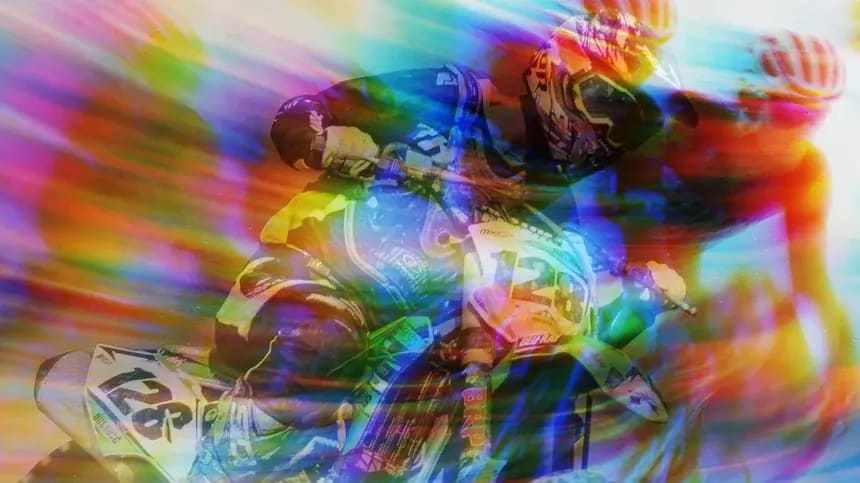
Composite, RGB Blend and Boost Blend provide image blending effects based on Apply Modes. Adobe Premiere Pro users can easily combine Apply Modes, animate between them and mix back to the original image to create a wide variety of looks.

pixelchooser


Time Based Effects

The temporal filters in BCC enable Premiere Pro users to create time-based effects such as realistic motion blur and animatable motion effects where velocity smoothly ramps up and down. BCC Time filters include Optical Flow which uses motion vectors to analyze the image and create new intermediate frames providing very smooth, keyframable, slow motion effects.

pixelchooser

Optical Flow analyzes motion vectors in the image to synthesize new intermediate frames for super smooth keyframable slow motion effects. Click here for a 1.3MB Quicktime video showing the power of OpticalFlow.


Suite of Film Tools

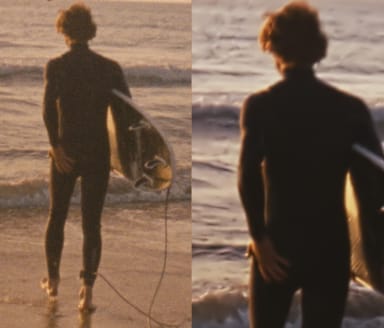
Continuum Complete includes a suite of film tools that allow Premiere Pro users to create a variety of looks. Film Damage emulates many different aged film and film projector effects while Film Process gives video the appearance of having been shot on film. This filter helps you to integrate different types of media in your project. For example, match computer-generated animations with archival film stock or make video appear like color-pushed film. Combine this filter with the BCC DeInterlace, BCC Film Grain, BCC Film Damage and BCC Match Grain filters for truly realistic results.

pixelchooser


Built In Motion Tracking

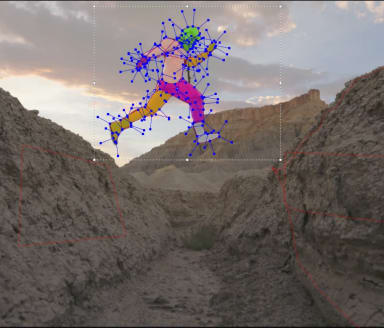
The built-in Motion Tracker is designed to capture motion in the image clip which then can be used to drive an effect such as the position of a light source.

pixelchooser


Part 2: Powerful Filtering, Distorting, and Generating Capabilities


Ready to Purchase?

Boris Online Store

Call 888.772.6747
Contact Us

avid plugin

download boris filter effects Download the
Trial Version!

boris fx demos
purchase boris
contact boris
boris fx host support


  Copyright © 1998-2006 Artel Software, Inc. All Rights Reserved
Order by Phone at 888-77-BORIS (772-6747)
Outside North America 703.462.1640