BCC Version 5 offers Apple Motion users major improvements to the award-winning BCC version 4 . This is an essential upgrade for those who use Continuum Complete version 4. We have continued building on core technologies such as Optical Flow, OpenGL and motion tracking, and added key new features.
| • UpRez | • Scanline |
| • Pan and Zoom | • Damaged TV |
| • Matchmove | • Turbulence |
| • LED | • Noise Map 2 |
| • Prism | • Color Choker |
BCC UpRez provides an answer to a common problem facing today's Apple Motion users, which is what to do about situations where SD clips need to be reused in an HD project. Designed to facilitate the resizing of image clips while minimizing the data loss that is usually associated with media transforms within Motion, the BCC UpRez filter employs very sophisticated image sampling technics with edge detection, providing a final result that cannot be achieved by Motion scaling and standard post processing methods.
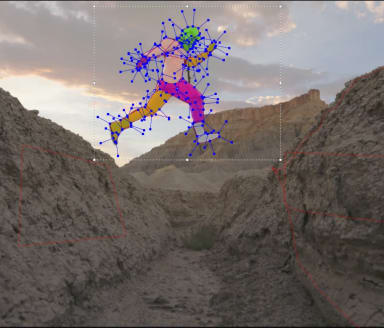
The BCC Pan and Zoom filter was designed to automate the work of documentary style pan and zoom effects, where a large still image file is moved along the x and y axis (pan) and scaled up or down (zoom) in a composite, in effect, adding animation to a still image. the BCC Pan and Zoom filter includes on-screen HUD widgets (heads-up display) to achieve this end result with precision and ease and also includes state-of-the-art algorithms that generate a razor sharp image result even when the image has been subject to a large transform scale. the filter can be run in full automatic, semi automatic or full manual animation modes, but any way you choose it's easy to use and generates smooth animation and a sharp image result.
View the 3 workflow options for the Pan and Zoom Filter >>
With the BCC Matchmove filter, we have added to the compositing style filters in the BCC set. Use the BCC Matchmove filter in Motion to lock the movement of one image clip to another image clip using the built-in motion tracking function. One of the great advantages of using the BCC Matchmove filter to composite within Apple Motion is that it includes full DVE functions such as tumble, spin, rotate, along with interesting lighting and light wrap compositing features that are normally found only in full compositing applications.
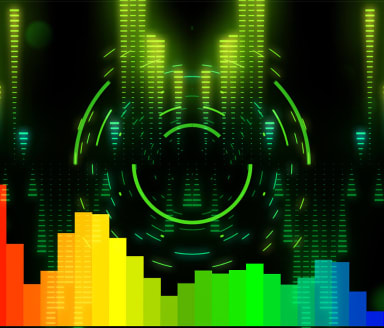
The BCC LED filter was designed to make an image, clip or text element with alpha appear as though it was constructed out of an array of blinking or solid LED lights similar to the display boards that we see in todays sports stadiums. By default, the lights take their color from the clip to which it was applied and can be set to either square or round diodes or "bulbs". Alternately the filter can apply a tint of color over the media element to which it was applied. This filter is a part of the new OGL category of filters in BCC which benefit from hardware acceleration as all of the processing is done by the GPU of the graphics card instead of the CPU, which greatly improves performance while working with these filters within Apple Motion and significantly reduces render times.
• View example 1 of the LED filter in Apple Motion
• View example 2 of the LED filter in Apple Motion
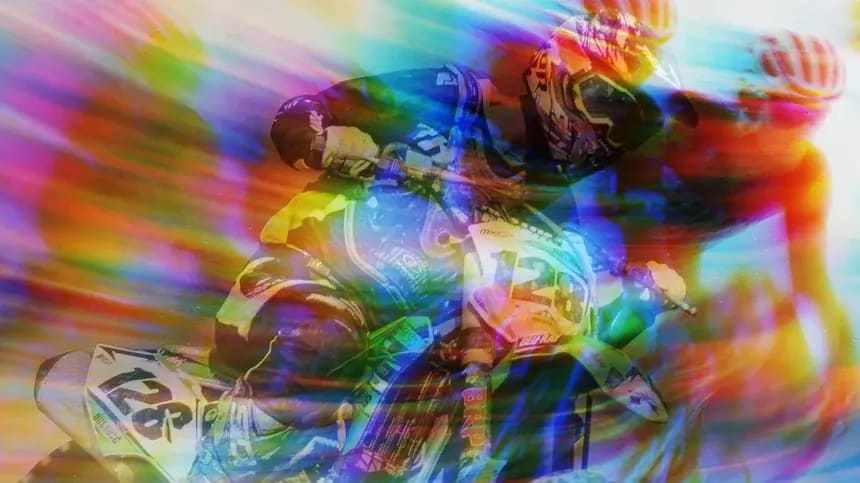
The BCC Prism filter can be used to simulate the photographic effect of chromatic aberration, where a bad lens can create prismatic color fringing along edges of contrast within the image. The filter can also be used as an interesting wipe or blur effect and includes controls for image rotation along 2 points of one axis within the image, which with some settings leads to a pleasant twisting blurred effect. The Prism filter is another one of the new filters that are included in the OpenGl category and benefits from the super fast image processing that the hardware acceleration allows for.
• View clip before Prism filter is applied in Apple Motion
• View clip after Prism filter applied in Apple Motion
BCC Scan Lines is another filter from the new BCC OGL category. This filter was designed to generate rolling RGB scanlines over the source image clip, emulating the effect of a computer monitor which was shot on video tape or film. The RGB bars rolling scan lines that the filter generates can be offset from each other in yx space and time to generate photorealistic effects. The filter also includes a user controlled noise generator function for added realism.
• View clip before Scanline filter is applied in Apple Motion
• View clip after Scanline filter is applied in Apple Motion
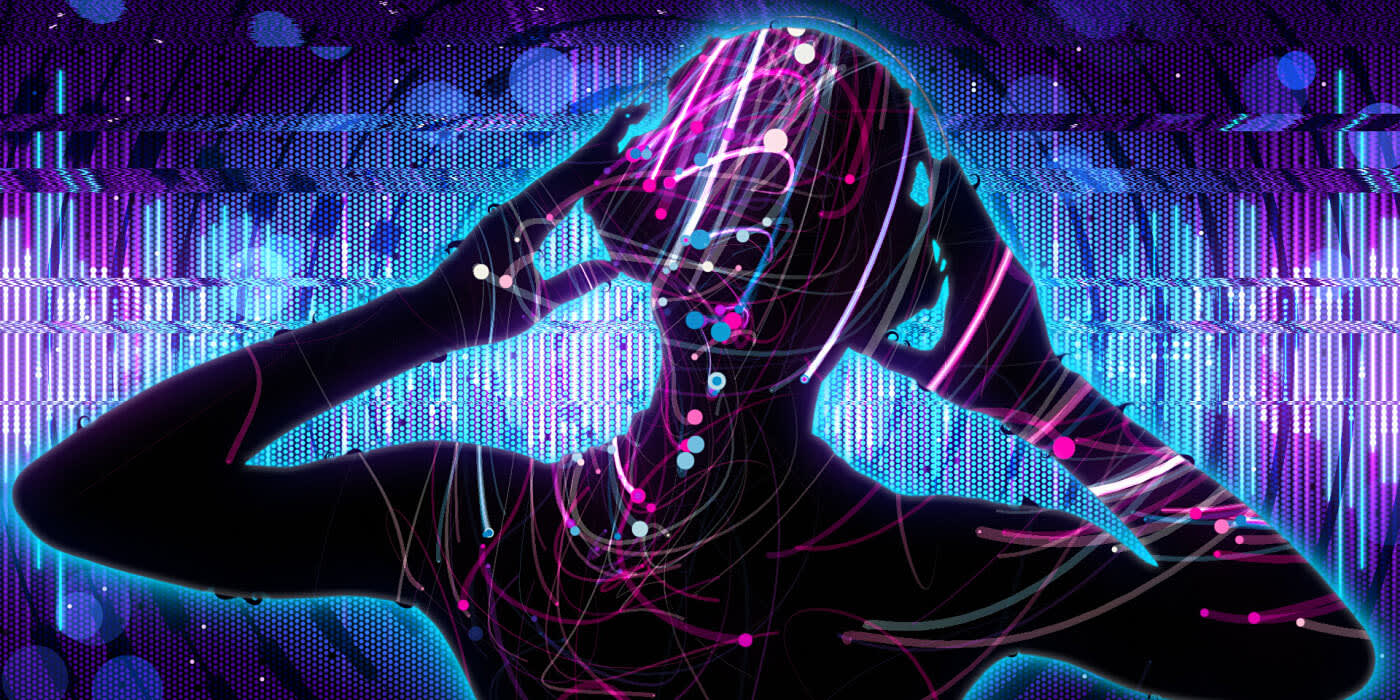
Another addition to the new Open GL filter category is the BCC Damaged TV filter. Designed to emulate the appearance of a CRT style television set that is receiving a bad antenna signal or is in need of repair, complete with gun offset, distorted edges, image roll, noise, scan lines, and interference lines, this powerful filter features both fully automatic or manual modes of operation. When using the filter in automatic mode, the filter will automatically animate image roll, scan lines, noise or any other visible parameter - and even though the filter is being used in automatic mode, the user retains full control over every parameter. Like all filters in the BCC set, this filter ships with presets to make working with the filter in Apple Motion easy and fast.
• View clip before Damaged TV filter is applied in Apple Motion
• View clip after Damaged TV filter is applied in Apple Motion
Based on the core algorithms that make up the BCC Noise Map 2 filter, the BCC Turbulence filter generates auto-animated gell-like distortion fields in an image clip based on input from the built-in noise map and turbulence controls. This filter includes 3 dozen preset effect settings to make working with and understanding some of the possibilities of this filter a piece of cake.
• View clip before Turbulence filter is applied in Apple Motion
• View clip after Turbulence filter is applied in Apple Motion
The BCC Noise Map 2 filter is primarily used to generate procedurally based, resolution independent, auto-animated image clips that can be used as backdrops or as a mask track input for other image clips. Dozens of presets, which are included with this filter, make using the filter in Final Cut Pro a point and click operation for even very complex animations.
• View example 1 of the Noise Map 2 filter in Apple Motion
• View example 2 of the Noise Map 2 filter in Apple Motion
The BCC Color Choker filter posterizes and blurs colors in an image clip for creative and artistic results. The media clip colors that the filter is applied to can be attenuated or remapped individually through the many filter parameters or together as an RGB group. Included in the filter is a checkbox control to convert image to monochrome before applying the built in color blur or choke.
• View clip before Color Choker filter is applied in Apple Motion
• View clip after Color Choker filter is applied in Apple Motion
Contact Us
888.772.6747
703.462.1640
Support Form